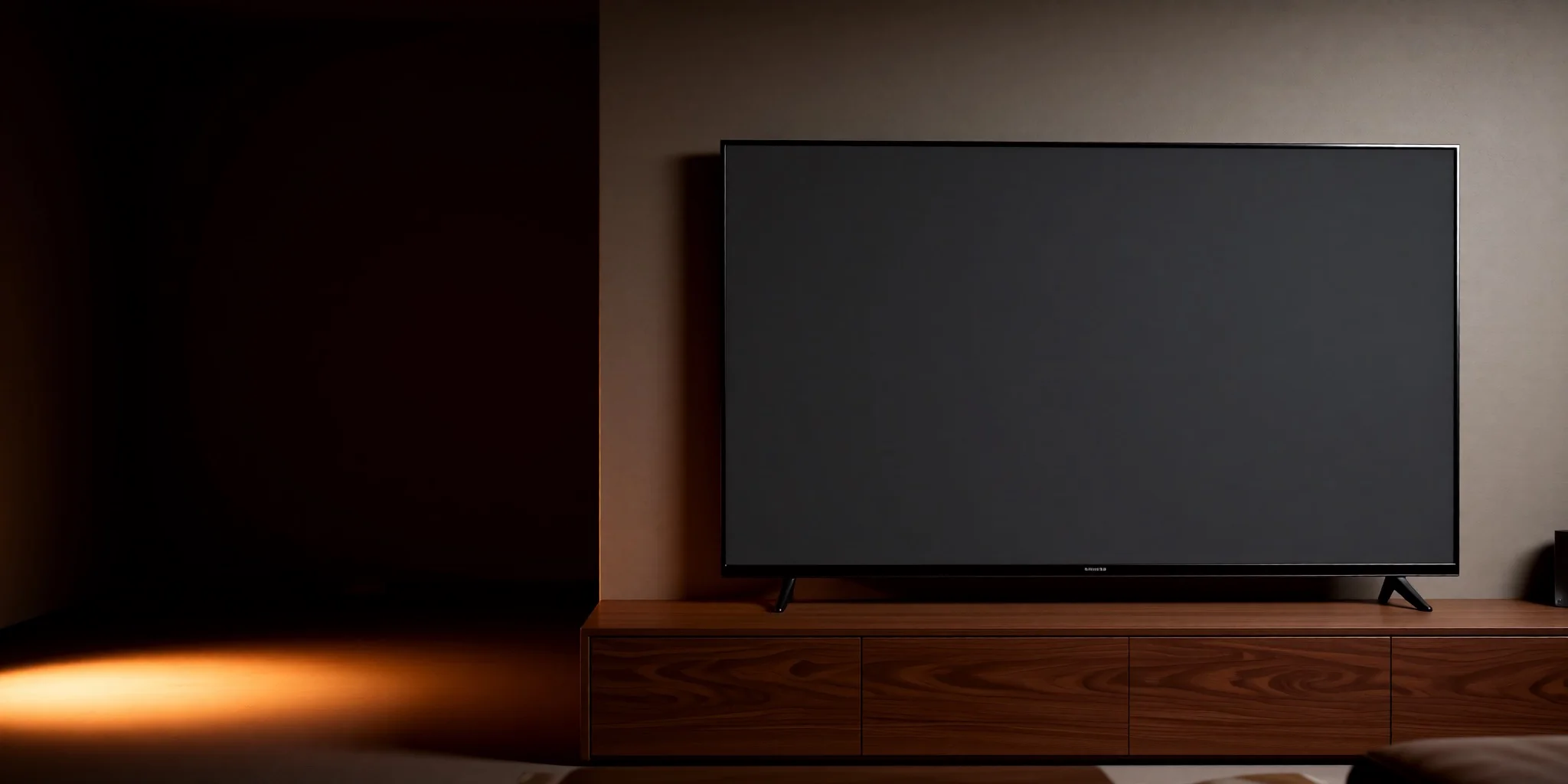
Probably the best looking IPTV player out there.
Play your own M3U, Xtream Codes or Stalker playlists on the television, with a full programme guide. No account, no cloud, no subscription.
Free · 9.5 MB · Android TV 7.0 and later
Runs on Android TV Google TV Fire TV Nvidia Shield
Why tvplayer.cc?
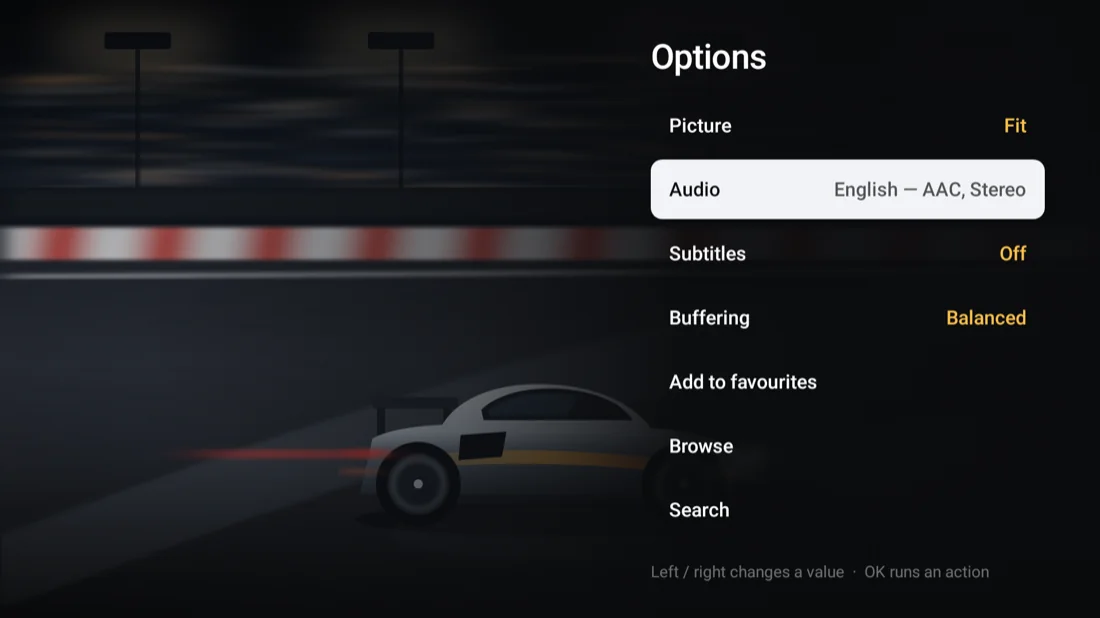
Built for a remote control, not a touchscreen.
Any playlist
M3U, Xtream Codes and Stalker portals. Add as many as you like.
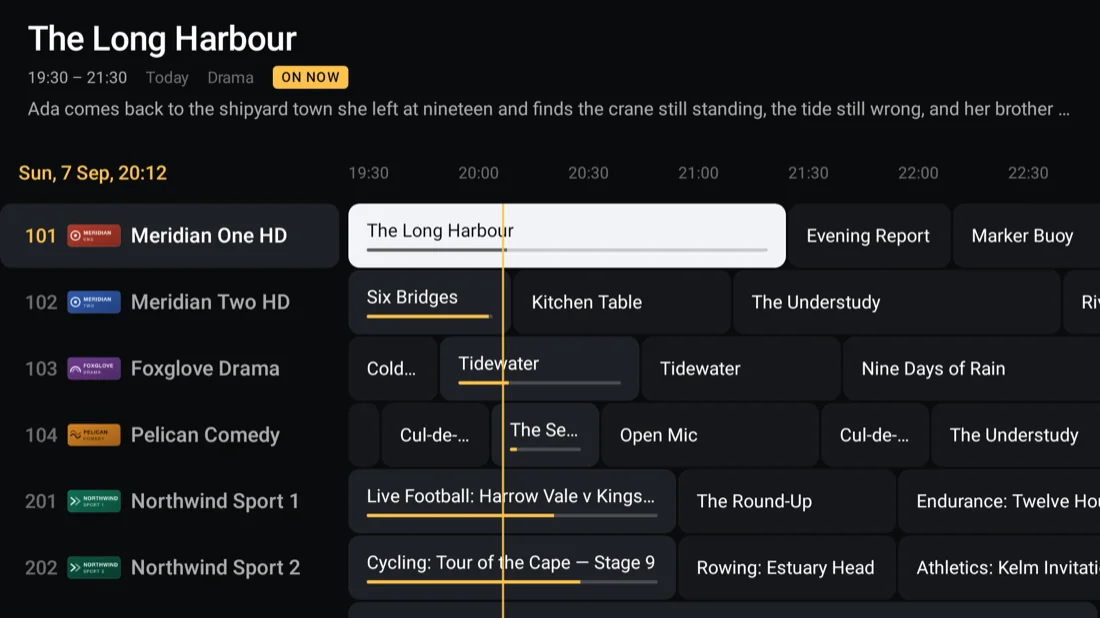
Full guide
A week of programmes from any XMLTV feed, however large.
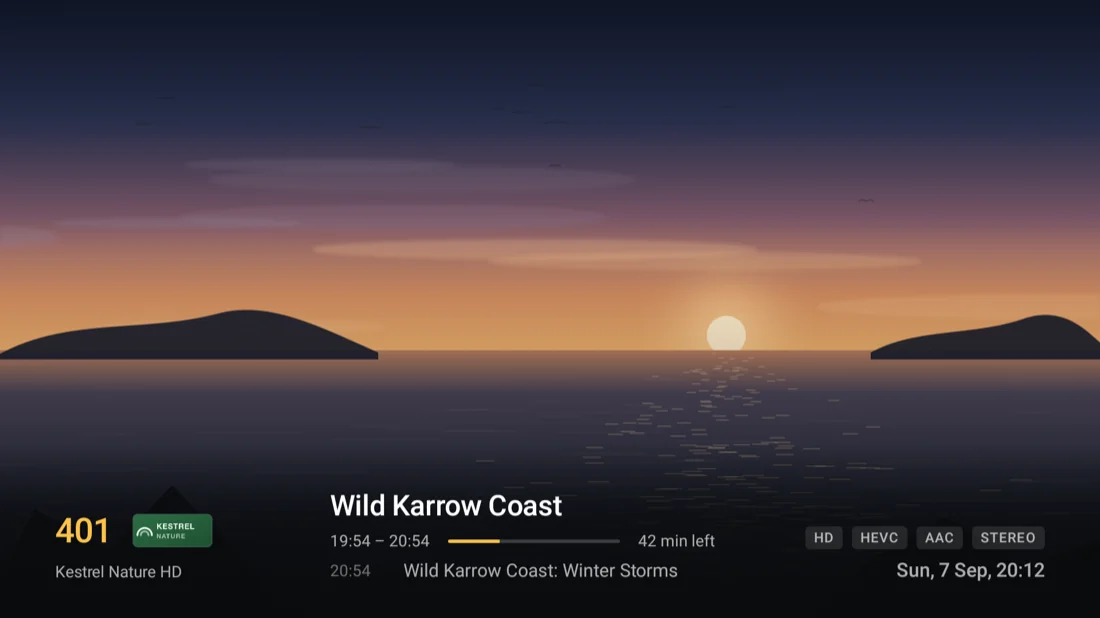
Fast zapping
Channels change in about a second, and the app shows you the figure.
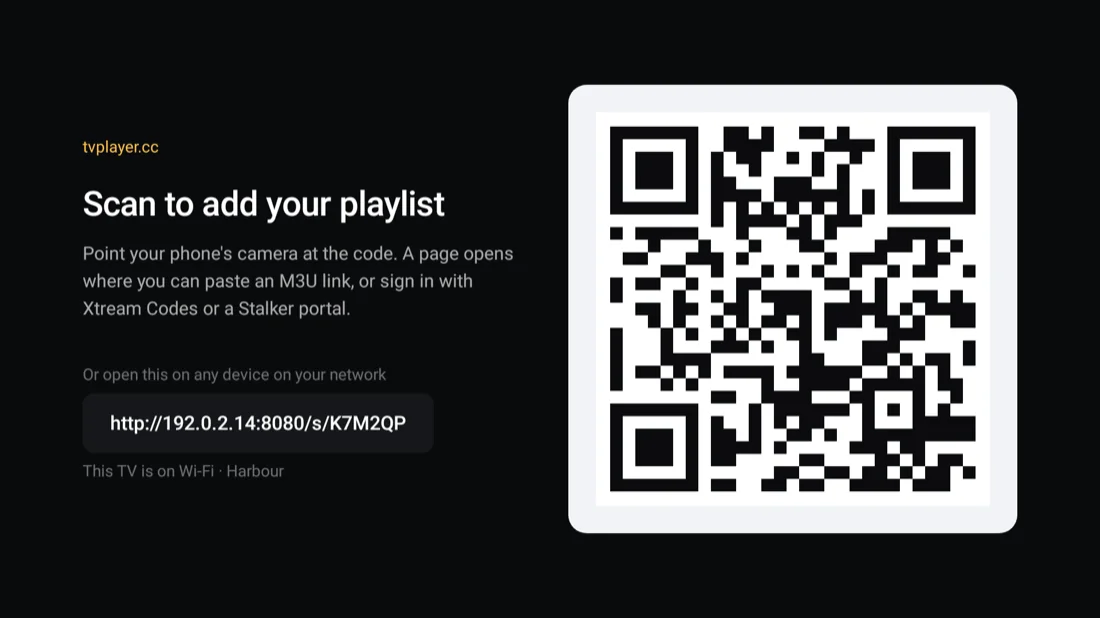
Set up from your phone
Scan the code on screen. No on-screen keyboard, ever.
Nothing in the cloud
No account, no server of ours, nothing to cancel.
Favourites
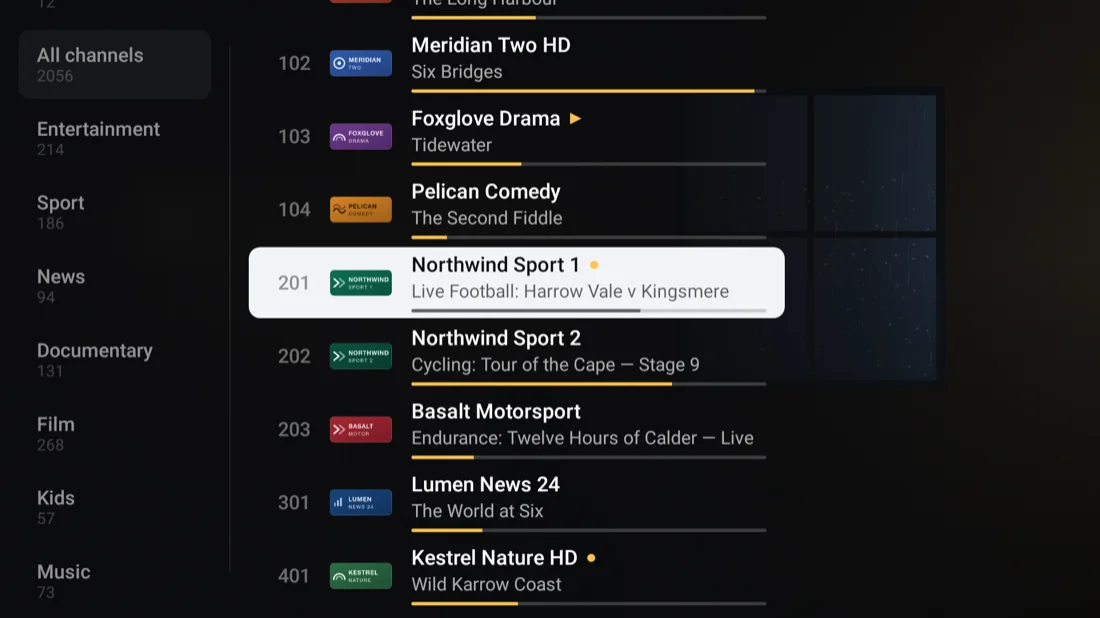
Hide the categories you never watch, pin the channels you always do.
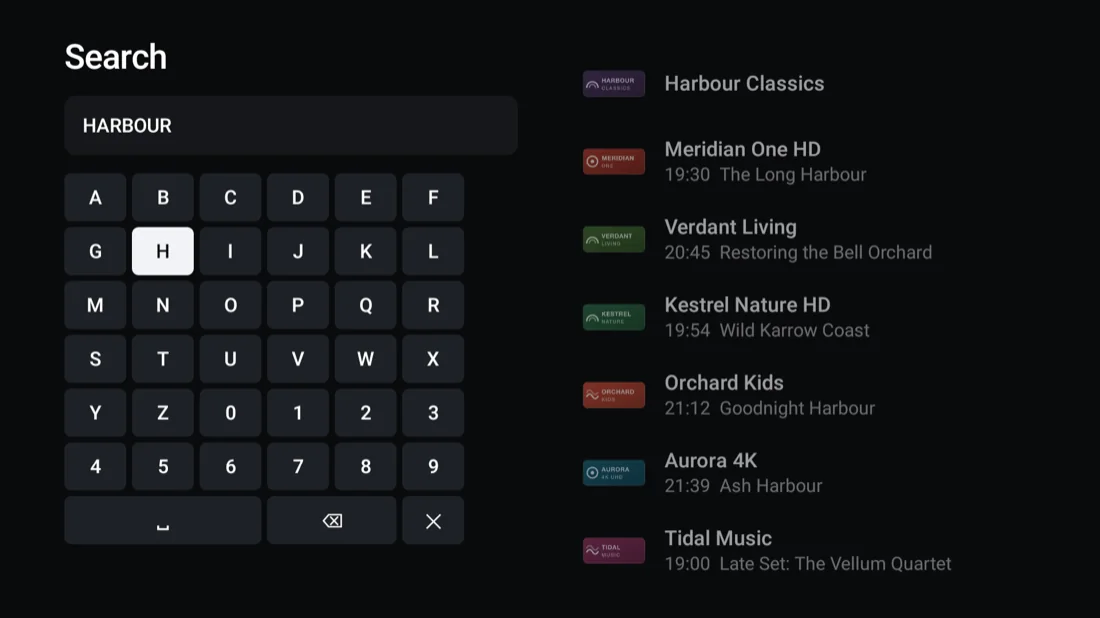
Search
Find a channel across tens of thousands of them as you type.
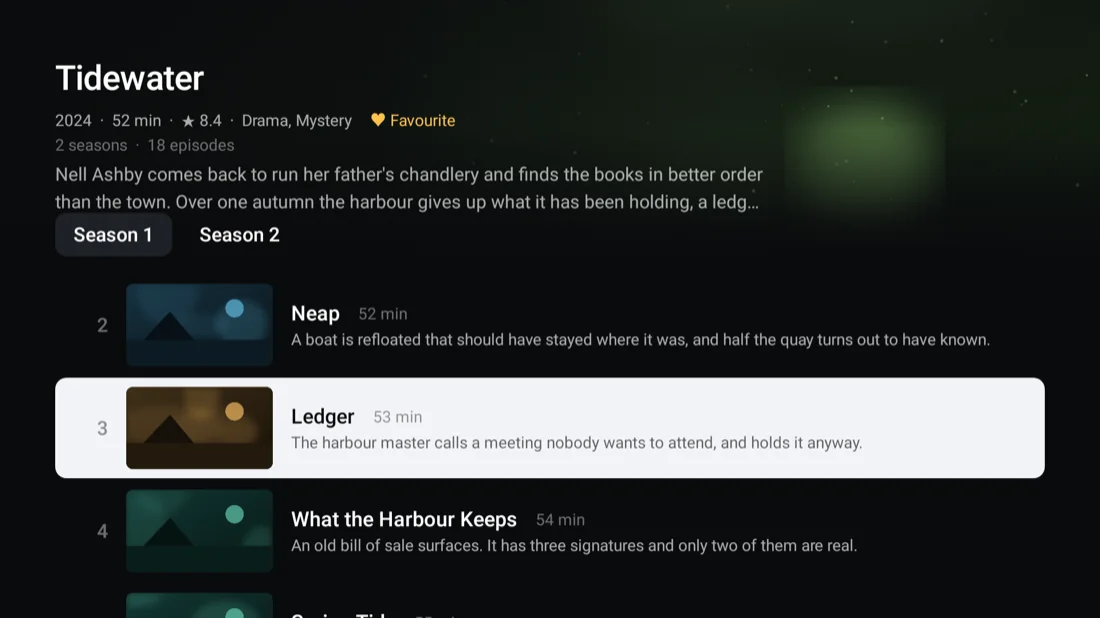
Films and series
Your provider's library, as a poster wall with episode lists.
Trakt
What you watch scrobbles as it plays. Your watchlist, collection and history come back.
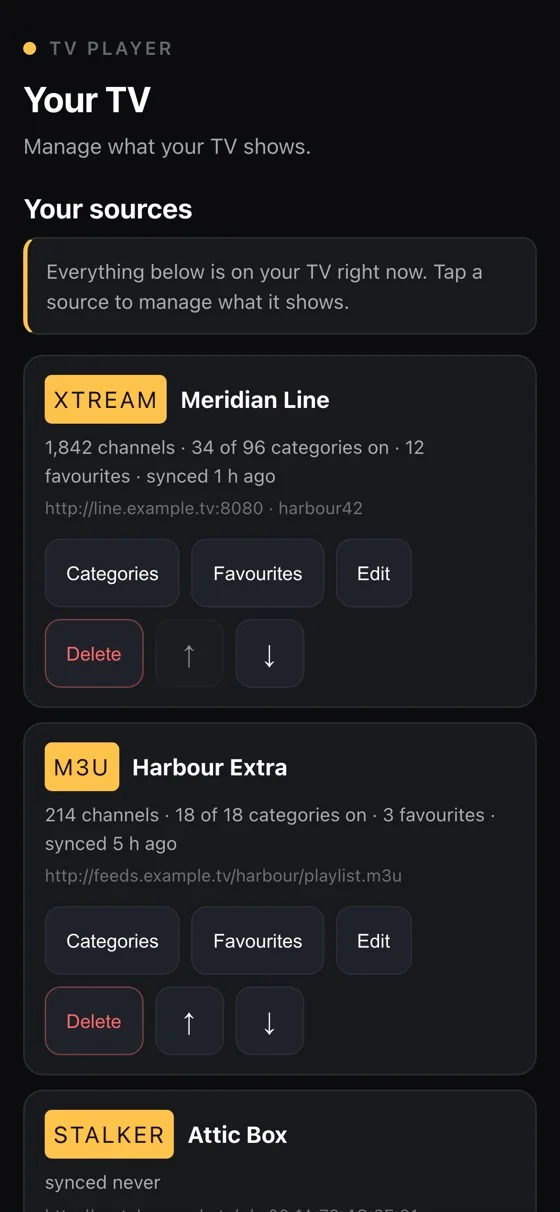
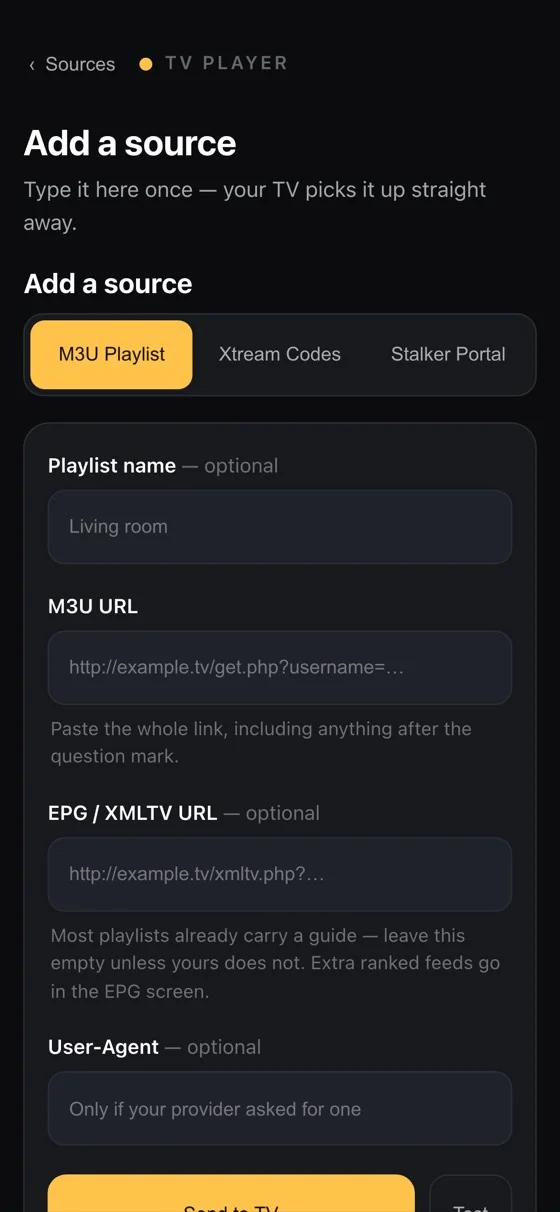
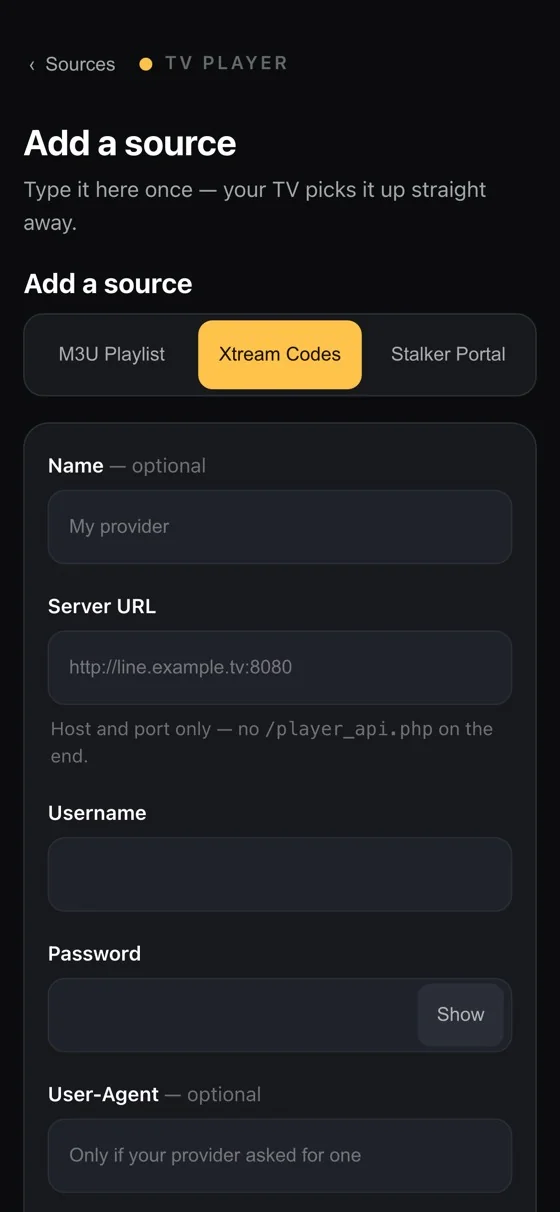
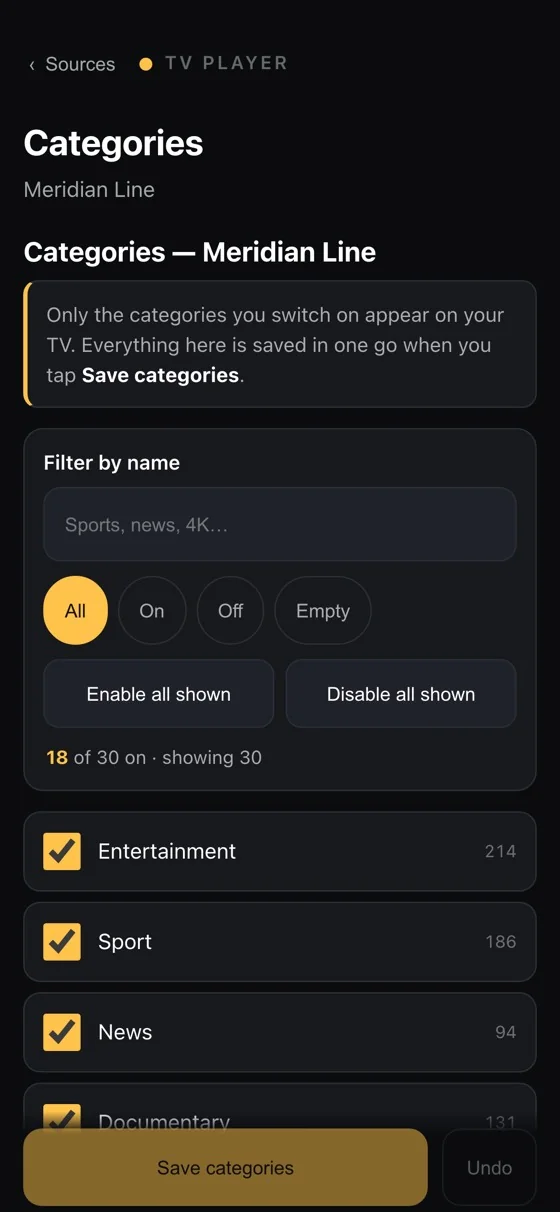
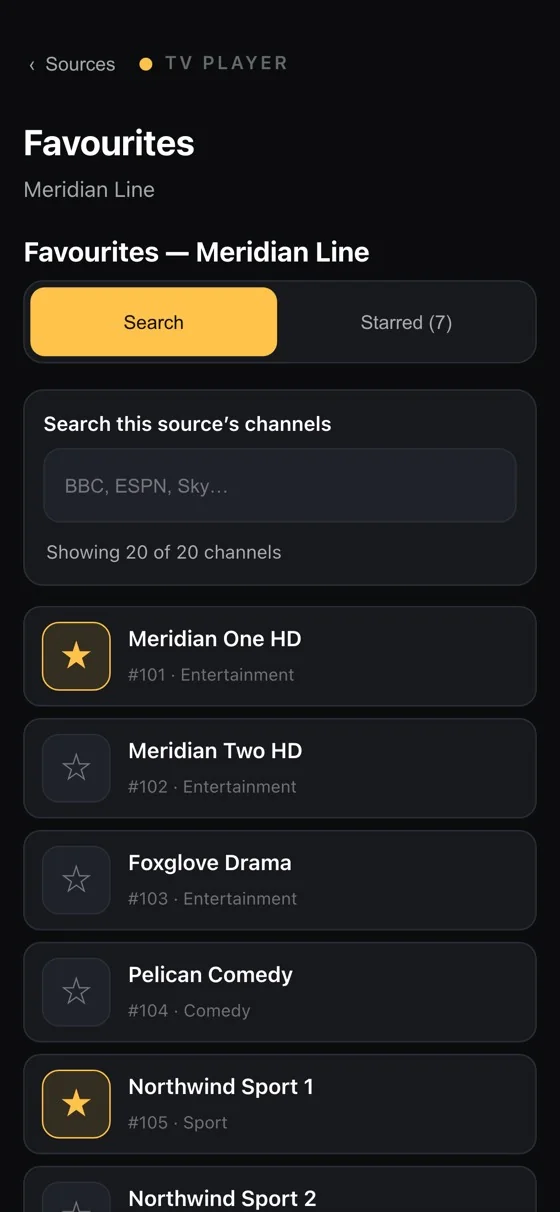
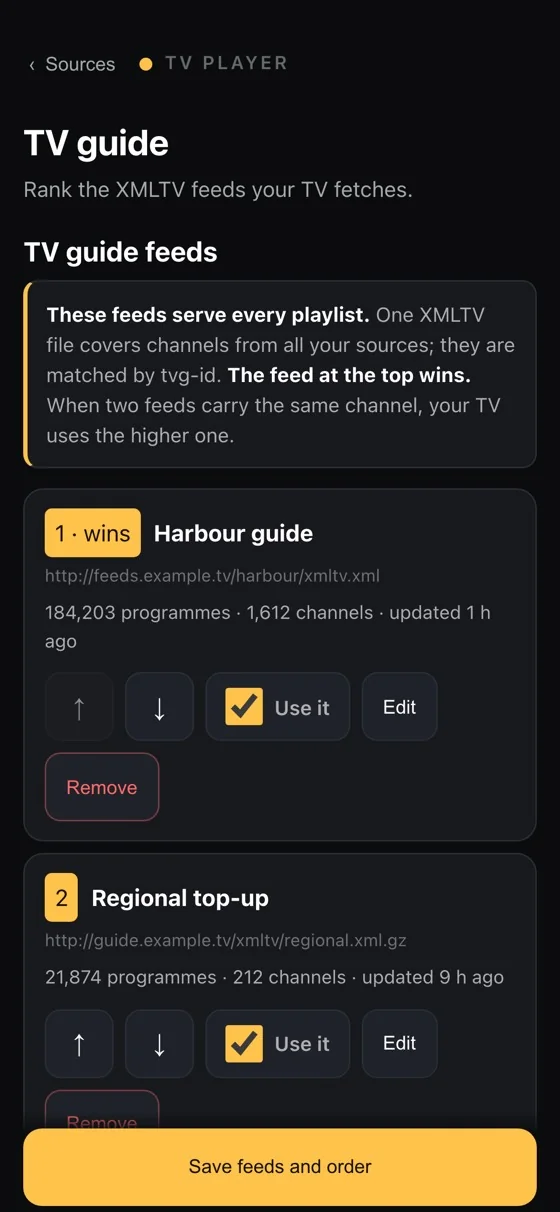
And a console the television serves itself.
No companion app, no login. The TV runs a small page on your own network; you open it on your phone, and everything the television shows is editable there.
- Add a source
- Name a playlist
- Switch categories on and off
- Pick favourites
- Point the guide at XMLTV
- Reorder or delete
Get tvplayer.cc
Three ways onto your television. The same player each time.
Google Play
Install from your Android TV or Google TV home screen. Updates arrive on their own.
APK
For Fire TV and devices without Play. This build checks for its own updates.
Download the APKGet in touch
A bug, a playlist format that misbehaves, a question about the app — write and a person will read it.
Or write directly to hola@graciasalaplaya.es